
Help clients choose their cut.
Remember them next time.
AI haircut previews, a walk-in queue and client memory, built around your shop.
Taper is opening to shops through the waitlist. Join to hear about launch availability and getting your shop set up.
No payment. No account. No commitment. · Owner demo needs no signup · Made in Melbourne
Built around the consultation.
Use one workflow or all three. Each ends with the chosen cut and barber notes on the client record, so the next visit starts from what worked last time.
Shop iPad at the front
On a signed-in shop iPad, the client gives consent, takes one front-facing photo, picks a style and sees an illustrative AI preview to talk through with the barber.
Signed-in shop device · clear consent · illustrative preview
QR code on the door
Clients scan with their own phone, browse your cuts, leave their details and join the walk-in queue. No face photo is sent to AI from the QR page.
Browse · details · join the queue
Consultation in the chair
The barber pulls up the client's last cut and notes, confirms what they want today and offers relevant add-ons. No photo needed. No more "what did I have last time?"
Last cut · barber notes · add-ons
See it on you. Before it's cut.
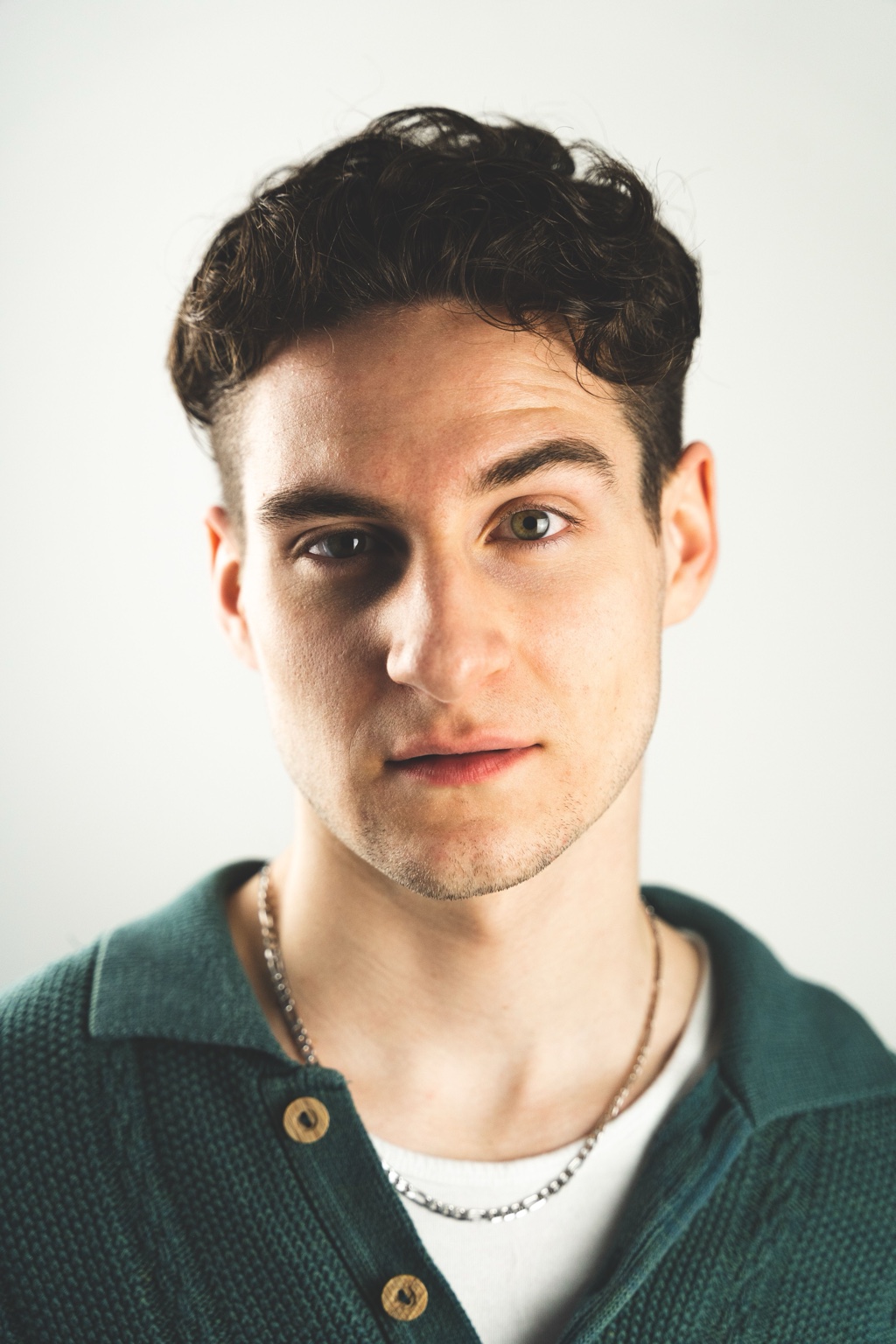
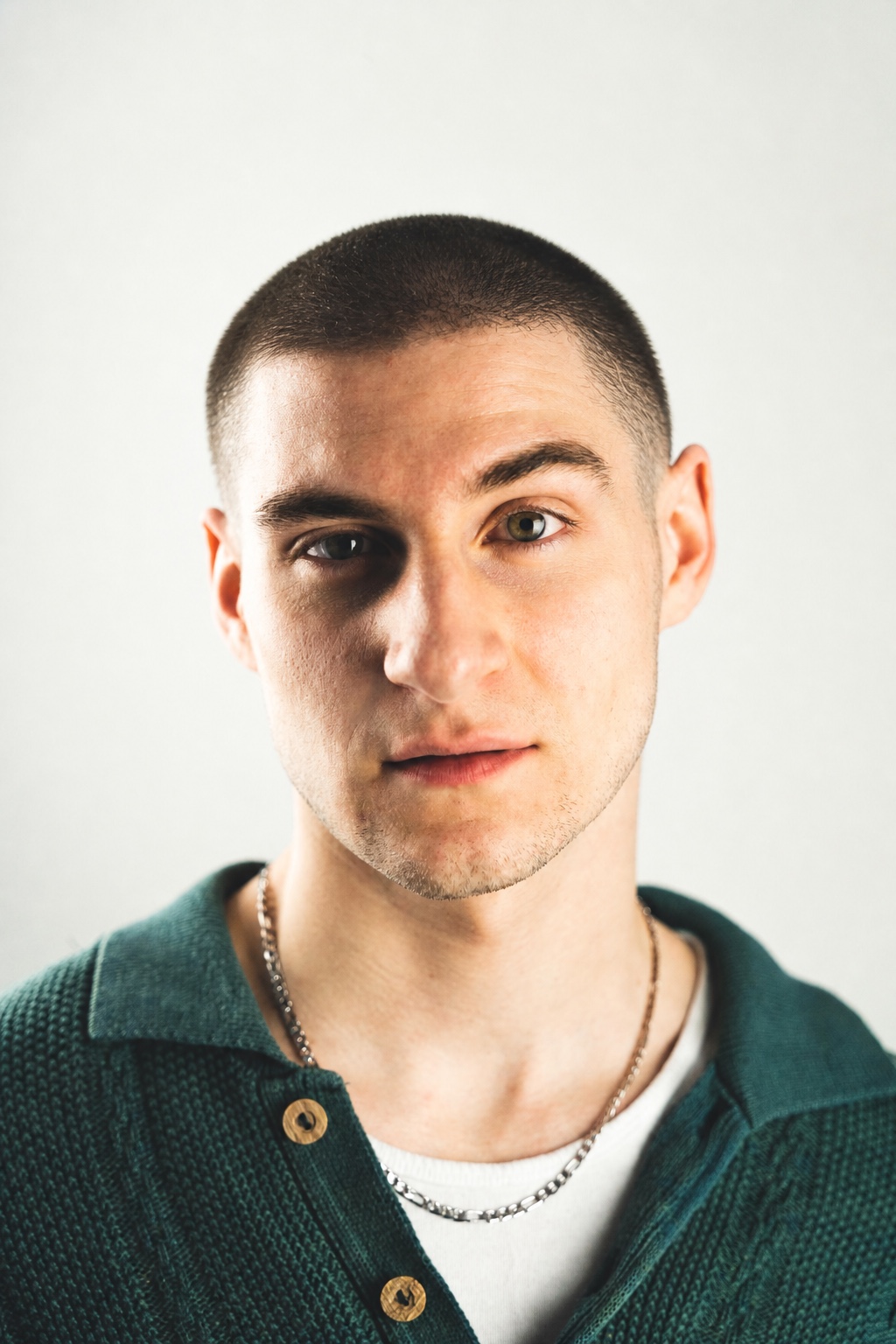
A visual confidence-builder for the consultation. After clear consent, the client uploads a photo, picks a style, and Taper renders an illustrative haircut preview to discuss with the barber.
- Generated server-side — you never touch an API key
- Front-photo capture with clear consent
- Before/after view to discuss in the consultation
No more waiting-room chaos.
A real-time walk-in queue clients join from their phone while they choose their cut.
- Live position and estimated wait time
- Barber dashboard shows the next five and their cuts
- One-tap "Call Next," per-chair assignment
Add-ons offered at exactly the right moment.
Beard shape-ups, razor finishes, wash & style, take-home product — suggested inside the consultation and recorded on the visit.
- Suggested in-flow, never interruptive
- Conversion tracked by service type
- Illustrative example: one A$12 add-on lifts that visit by A$12
Remember the person. Not just the cut.
Their last haircut, preferences and the little things you talked about, ready for the next visit, even with another barber. Keep useful, non-sensitive reminders private to your shop's team.
- Last completed cut, barber instructions and client notes
- Completed work and recorded add-ons by barber
- See which cuts are gaining popularity in your shop
From choosing a cut to remembering it
Let clients browse your visual menu, keep the chosen cut and barber notes on the client record, and keep the walk-in queue moving. Offer relevant add-ons during the consultation. Separate email permission lets you identify clients eligible for a return offer; SMS and campaign sending are not available at launch.
The right plan for your shop
Explore the demo free. A plan is needed to run your shop.
Pay for the AI volume and support your location needs. The queue, client records, basic dashboard, lead capture and add-on suggestions are included. Full analytics are available on Pro and Shop. Every plan covers one physical shop.
Plans are not open for purchase on this page yet. Join the waitlist to hear about launch availability and setup. No payment. No account. No commitment.
Plus A$275 one-time setup per store. Prices exclude GST.
One physical shop. Built for the chair-and-a-clipboard barber who wants the iPad to do the heavy lifting.
- Style gallery (12 cuts)
- Digital cut cards
- Smart queue + lead capture
- 50 AI previews / mo
- Client profiles & history
- Upsell tracking
First 3 months, then A$149/mo. Plus A$275 one-time setup per store. Prices exclude GST.
- Everything in Solo
- 150 AI previews / mo
- Client profiles & visit history
- Unlimited client memory
- Public iPad / kiosk mode
- Upsell engine & analytics
Plus A$275 one-time setup per store. Prices exclude GST.
One physical shop. For busy teams that need more AI volume, multi-barber operations, analytics, and priority support.
- Everything in Pro
- 500 AI previews / mo
- Upsell engine & tracking
- Analytics dashboard
- Multi-barber + branded QR
- Private custom style catalogue
Two or more venues? Contact sales for a chain price, consolidated rollout and location-by-location onboarding.
- Everything in Shop
- 1,000 AI previews / mo / loc
- Requirements and data review
- Priority onboarding
- Custom rollout plan
- Roadmap features agreed in writing
iPad onboarding, catalogue setup, queue QR setup, and a 30-minute walkthrough with the founder. Shop plans also include custom catalogue and branding setup. Charged once on your first invoice — never recurring.
Volume packs: A$35 / 100, A$89 / 300, A$249 / 1,000, or A$549 / 3,000. Credits last 36 months and are used after your monthly quota.
All prices in AUD and exclude GST. Solo, Pro and Shop each include an additional A$275 one-time setup fee per store, charged on the first checkout only. Pro is A$99/month for the first 3 months, then A$149/month. Review the final amount, discounts and applicable GST in checkout before paying. Cancel any time from your billing portal.
Everything you need to know
Can my shop start using Taper now?
How long does setup take?
Does the AI preview actually work?
Can I use it on an iPad in the shop?
?kiosk=1 to your join link to lock the iPad to customer-only mode.Can multiple barbers use it at once?
What's the SMS reminder feature?
What happens to client photos?
Is there a contract or lock-in?
Can I customise the styles shown?
The barbershop operating system.
No payment. No account. No commitment. · Guided setup · iPad or QR